Running an LLM on Orange Pi for Base L2 Development
Learn how to set up and run a private large language model on Orange Pi hardware to build AI-powered dApps on Base L2 with complete data privacy.
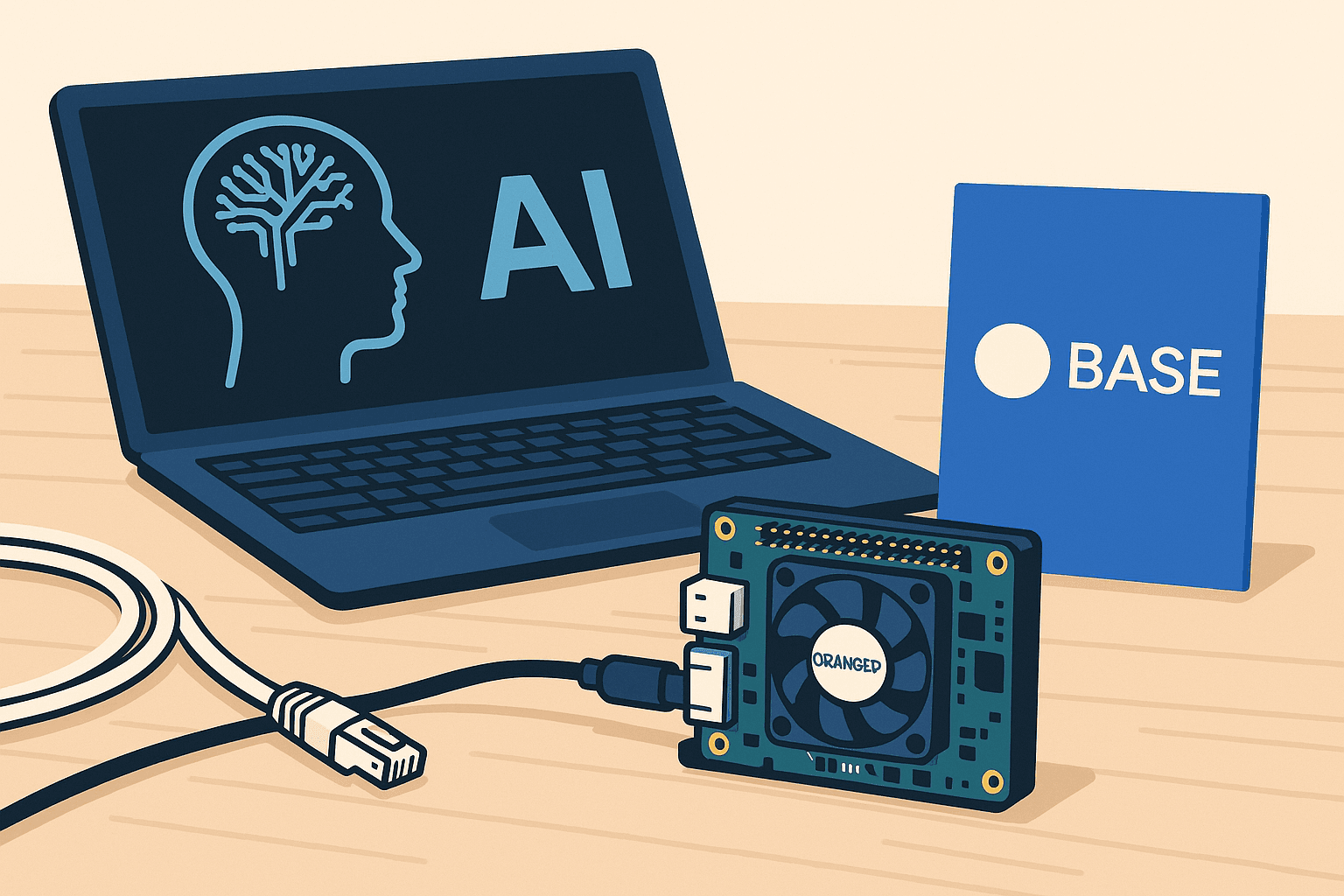
Want to build AI-powered dApps on Base L2 without relying on centralized API providers? Running your own LLM on Orange Pi gives you complete privacy and control while keeping costs low.
Why Run Your Own LLM?
Building on Base L2 often requires AI capabilities for features like:
- Smart contract analysis - Analyze code before deployment
- User support - Answer questions about your protocol
- Content generation - Create documentation or marketing copy
- Data analysis - Interpret on-chain data
But using OpenAI or other APIs has drawbacks:
- 💸 Expensive - API costs add up quickly
- 🔒 Privacy concerns - Your data leaves your control
- 🌐 Requires internet - No offline development
- ⏱️ Rate limits - Restricted API calls
Privacy-First AI
With Orange Pi, you get a private LLM for ~$100 in hardware, with no ongoing API costs and complete data privacy.
Hardware Requirements
Recommended: Orange Pi 5 Plus (16GB)
- RAM: 16GB LPDDR4/4x
- CPU: Rockchip RK3588 (8-core, up to 2.4GHz)
- GPU: Mali-G610 MP4
- Storage: NVMe SSD (128GB minimum)
- Price: ~$150-180
Alternative: Orange Pi 5 (8GB)
- Good for smaller models (7B parameters)
- Price: ~$100-120
Why Not Raspberry Pi?
While Raspberry Pi is popular, Orange Pi 5 Plus offers better value with 16GB RAM and faster CPU/GPU for running LLMs efficiently.
Step 1: Setting Up Orange Pi
Flash the OS
Download and flash Ubuntu 22.04 for Orange Pi:
# Download image from official Orange Pi site
wget http://www.orangepi.org/html/hardWare/computerAndMicrocontrollers/service-and-support/Orange-Pi-5-plus.html

# Flash to SD card or eMMC (use Balena Etcher on Mac/Windows)
# Or use dd on Linux:
sudo dd if=ubuntu-22.04-orangepi5plus.img of=/dev/sdX bs=4M status=progress
Initial Configuration
# SSH into Orange Pi (default credentials)
ssh orangepi@orangepi5plus.local
# Password: orangepi

# Update system
sudo apt update && sudo apt upgrade -y

# Install essential packages
sudo apt install -y build-essential git cmake python3-pip

# Install Docker (for containerized LLM)
curl -fsSL https://get.docker.com -o get-docker.sh
sudo sh get-docker.sh
sudo usermod -aG docker $USER
Reboot after setup:
sudo rebootStep 2: Install Ollama
Ollama makes running LLMs incredibly easy:
# Install Ollama
curl https://ollama.ai/install.sh | sh

# Verify installation
ollama --version
Pull a Model
Start with a 7B parameter model for testing:
# Mistral 7B - Great for code and general tasks
ollama pull mistral

# Or CodeLlama for programming tasks
ollama pull codellama:7b

# For 16GB Orange Pi, you can try larger models:
ollama pull llama2:13b
Model Selection
- 7B models: 8GB RAM minimum, fast responses
- 13B models: 16GB RAM, better quality
- 70B models: Not recommended for Orange Pi (need 40GB+ RAM)
Run Your First Model
# Start interactive session
ollama run mistral

# Test it out
>>> Write a Solidity function to transfer ERC20 tokens

# Exit with /bye
>>> /bye
Step 3: Set Up API Server
Make your LLM accessible over HTTP:
# Ollama automatically serves on port 11434
# Test the API
curl http://localhost:11434/api/generate -d '{
  "model": "mistral",
  "prompt": "Explain gas optimization in smart contracts"
}'
Systemd Service
Create a service to run Ollama on boot:
sudo nano /etc/systemd/system/ollama.serviceAdd:
[Unit]
Description=Ollama LLM Service
After=network.target

[Service]
Type=simple
User=orangepi
ExecStart=/usr/local/bin/ollama serve
Restart=always
RestartSec=10

[Install]
WantedBy=multi-user.target
Enable and start:
sudo systemctl enable ollama
sudo systemctl start ollama
sudo systemctl status ollama
Step 4: Build a Web Interface
Create a simple web interface to interact with your LLM:
import express from 'express';
import fetch from 'node-fetch';

const app = express();
app.use(express.json());

const OLLAMA_URL = 'http://localhost:11434/api/generate';

app.post('/api/chat', async (req, res) => {
  const { prompt, model = 'mistral' } = req.body;

  try {
    const response = await fetch(OLLAMA_URL, {
      method: 'POST',
      headers: { 'Content-Type': 'application/json' },
      body: JSON.stringify({
        model,
        prompt,
        stream: false,
      }),
    });

    const data = await response.json();
    res.json({ response: data.response });
  } catch (error) {
    res.status(500).json({ error: 'LLM request failed' });
  }
});

app.listen(3000, () => {
  console.log('LLM Interface running on http://localhost:3000');
});
Frontend:
'use client';

import { useState } from 'react';

export default function LLMChat() {
  const [prompt, setPrompt] = useState('');
  const [response, setResponse] = useState('');
  const [loading, setLoading] = useState(false);

  const handleSubmit = async (e: React.FormEvent) => {
    e.preventDefault();
    setLoading(true);

    try {
      const res = await fetch('/api/chat', {
        method: 'POST',
        headers: { 'Content-Type': 'application/json' },
        body: JSON.stringify({ prompt }),
      });

      const data = await res.json();
      setResponse(data.response);
    } catch (error) {
      console.error('Error:', error);
    } finally {
      setLoading(false);
    }
  };

  return (
    <div className="max-w-2xl mx-auto p-6">
      <h1 className="text-3xl font-bold mb-6">Orange Pi LLM</h1>

      <form onSubmit={handleSubmit} className="space-y-4">
        <textarea
          value={prompt}
          onChange={(e) => setPrompt(e.target.value)}
          className="w-full p-4 border rounded-lg"
          rows={4}
          placeholder="Ask anything about Base L2 development..."
        />

        <button
          type="submit"
          disabled={loading}
          className="px-6 py-2 bg-blue-500 text-white rounded-lg hover:bg-blue-600 disabled:opacity-50"
        >
          {loading ? 'Thinking...' : 'Submit'}
        </button>
      </form>

      {response && (
        <div className="mt-6 p-4 bg-gray-50 rounded-lg">
          <h3 className="font-bold mb-2">Response:</h3>
          <p className="whitespace-pre-wrap">{response}</p>
        </div>
      )}
    </div>
  );
}
Step 5: Integrate with Base L2 Development
Smart Contract Analysis
async function analyzeContract(contractCode: string) {
  const prompt = `
Analyze this Solidity smart contract and identify:
1. Potential security vulnerabilities
2. Gas optimization opportunities
3. Best practice violations

Contract code:
```solidity
${contractCode}
```

Provide detailed feedback with specific line references.
`;

  const response = await fetch('http://orangepi5plus.local:11434/api/generate', {
    method: 'POST',
    headers: { 'Content-Type': 'application/json' },
    body: JSON.stringify({
      model: 'codellama',
      prompt,
      stream: false,
    }),
  });

  const data = await response.json();
  return data.response;
}

// Usage
const analysis = await analyzeContract(myContractCode);
console.log(analysis);
Documentation Generator
async function generateDocs(functionCode: string, functionName: string) {
  const prompt = `
Generate comprehensive NatSpec documentation for this Solidity function:

```solidity
${functionCode}
```

Include @notice, @dev, @param, and @return tags.
`;

  const response = await fetch('http://orangepi5plus.local:11434/api/generate', {
    method: 'POST',
    headers: { 'Content-Type': 'application/json' },
    body: JSON.stringify({
      model: 'codellama',
      prompt,
    }),
  });

  const data = await response.json();
  return data.response;
}
Transaction Explainer
async function explainTransaction(txData: any) {
  const prompt = `
Explain this Base L2 transaction in simple terms:

From: ${txData.from}
To: ${txData.to}
Value: ${txData.value} ETH
Data: ${txData.data}

What is this transaction doing? Who is it from and to? What are the implications?
`;

  const response = await fetch('http://orangepi5plus.local:11434/api/generate', {
    method: 'POST',
    body: JSON.stringify({
      model: 'mistral',
      prompt,
    }),
  });

  return response.json();
}Performance Optimization
Model Quantization
Use quantized models for better performance:
# 4-bit quantized models run faster with minimal quality loss
ollama pull mistral:7b-instruct-q4_0

# Compare model sizes
ollama list
GPU Acceleration
Orange Pi 5 Plus has Mali GPU - enable it:
# Install ARM Mali drivers
sudo apt install -y mali-g610-firmware

# Verify GPU is available
cat /proc/device-tree/model
lspci | grep -i gpu
Memory Management
# Monitor memory usage
htop

# If running low, configure swap
sudo fallocate -l 8G /swapfile
sudo chmod 600 /swapfile
sudo mkswap /swapfile
sudo swapon /swapfile

# Make permanent
echo '/swapfile none swap sw 0 0' | sudo tee -a /etc/fstab
Production Deployment
Expose Securely
Use Tailscale for secure remote access:
# Install Tailscale
curl -fsSL https://tailscale.com/install.sh | sh

# Connect to your tailnet
sudo tailscale up

# Access from anywhere
curl http://orangepi5plus.tailnet:11434/api/generate
Security Warning
Never expose your LLM directly to the internet without authentication. Use VPN (Tailscale), reverse proxy with auth, or keep it on your local network.
Docker Deployment
FROM ubuntu:22.04

# Install Ollama
RUN curl https://ollama.ai/install.sh | sh

# Pull model at build time
RUN ollama serve & sleep 5 && ollama pull mistral

EXPOSE 11434

CMD ["ollama", "serve"]
Build and run:
docker build -t orangepi-llm .
docker run -d -p 11434:11434 orangepi-llm
Use Cases for Base L2
1. AI-Powered Smart Contract Auditor
Build a tool that automatically reviews contracts before deployment:
const auditReport = await analyzeContract(contractCode);
// Deploy only if audit passes
if (auditReport.vulnerabilities.length === 0) {
  await deployContract();
}
2. Natural Language to Solidity
Convert plain English to smart contract code:
const prompt = "Create a function that mints NFTs with a max supply of 10,000";
const solidityCode = await generateCode(prompt);
3. On-Chain Data Analysis
Explain complex transactions to users:
const tx = await provider.getTransaction(txHash);
const explanation = await explainTransaction(tx);
// Show to user in plain English
4. Documentation Bot
Auto-generate docs from your codebase:
const docs = await generateDocs(contractCode);
// Publish to your blog or docs site
Cost Comparison
| Solution | Setup Cost | Monthly Cost | Privacy |
|---|---|---|---|
| OpenAI API | $0 | $50-500+ | ❌ Poor |
| Anthropic Claude | $0 | $40-400+ | ❌ Poor |
| Orange Pi LLM | ~$150 | $2-3 (power) | ✅ Complete |
After 3-6 months, Orange Pi pays for itself!
Troubleshooting
Out of Memory
# Check memory
free -h

# Reduce model size
ollama pull mistral:7b-instruct-q4_0  # Smaller quantized version
Slow Response Times
# Check CPU/GPU usage
htop

# Try smaller model
ollama pull phi  # Microsoft's 2.7B model - very fast
Model Not Loading
# Check Ollama logs
journalctl -u ollama -f

# Restart service
sudo systemctl restart ollama
Advanced: Fine-Tuning for Base L2
Train your model on Base L2-specific knowledge:
# Create training data from Base docs
training_data = [
    {
        "prompt": "How do I deploy to Base?",
        "response": "To deploy to Base, configure your provider..."
    },
    # Add 100s more examples
]

# Fine-tune with Ollama (coming soon) or use other tools
Benchmarks
On Orange Pi 5 Plus (16GB):
| Model | Response Time | Tokens/sec | Quality |
|---|---|---|---|
| Mistral 7B | 2-5s | 20-30 | ⭐⭐⭐⭐ |
| CodeLlama 7B | 3-6s | 15-25 | ⭐⭐⭐⭐⭐ (code) |
| Llama 2 13B | 5-10s | 10-15 | ⭐⭐⭐⭐⭐ |
| Phi 2.7B | 1-2s | 40-50 | ⭐⭐⭐ |
Perfect for Development
While slower than cloud APIs, Orange Pi LLMs are perfect for development, testing, and privacy-sensitive applications.
Conclusion
Running an LLM on Orange Pi gives you:
- ✅ Complete privacy - Your data never leaves your hardware
- ✅ Zero API costs - Pay once for hardware, use forever
- ✅ Offline capability - No internet required
- ✅ Full control - Customize models and prompts
- ✅ Fast enough - 2-5 second responses for most tasks
Perfect for Base L2 developers building AI-powered dApps!
Next Steps
- Order your Orange Pi 5 Plus
- Flash Ubuntu and install Ollama
- Pull a model and start experimenting
- Build your first AI-powered Base L2 feature
- Share your experience!
Resources
Happy building with AI on Base! 🤖🚀
Related Posts
Building a Token Fee Simulator as a Base Mini App
A comprehensive guide to building a cross-chain token fee calculator that works as a native Base mini app, featuring real-time volume data from Solana and Base tokens.
Setup your own dedicated Base RPC
Learn how to deploy your own dedicated Base RPC from buying the server to running your wallet or app
Building Subscription Services with Base Recurring Payments
Learn how to implement onchain recurring payments using Base's Spend Permissions feature for subscription-based revenue without merchant fees.